

ChatGPT Image Jun 9, 2025, 01_21_02 PM

How Language Models Make Sense of Sentences

Reading is a sequence. Word after word, idea after idea, something takes shape. For people, it’s meaning. For machines—at least the kind behind tools like ChatGPT—it’s prediction.

Large language models (LLMs) are a type of artificial intelligence trained to generate text. They don’t understand language the way we do. They don’t think or reflect. But they’re trained to spot patterns in how people talk, write, and structure thoughts. And they do this not by understanding the meaning of each word—but by calculating which word is most likely to come next. They build responses not from meaning, but from structure.

They build responses not from understanding, but from structure.
Not from intention, but from attention.

Here’s how it works.

Let’s say the sentence reads:

The cat sat on the…

The model assigns a set of probabilities:

  • mat → 60%
  • floor → 20%
  • roof → 5%
  • table → 5%

Rather than always picking the top word, the model samples from the distribution. That means mat is more likely, but floor or roof still have a chance. This keeps the output flexible, avoids stiffness, and better reflects the natural rhythm of language.

What makes this possible is a system called a Transformer, and at the heart of that system is something called attention.

Pay attention

Attention mechanisms allow the model to weigh all the words in a sentence—not just the last one—crafting its focus based on structure, tone, and context.

Consider:

“The bank was…”

A basic model might guess the next word with this level of likelihood:

  • open → 50%
  • closed → 30%
  • muddy → 5%

But now add more context:

“So frustrating! The bank was…”

Suddenly, the prediction shifts:

  • closed → 60%
  • open → 10%
  • muddy → 20%

The model has reweighted its focus. “So frustrating” matters. It’s not just responding—it’s recalculating what’s relevant to the meaning of the sentence.

Behind the Scenes: Vectors and Embeddings

To do that, it converts each word into something called a word embedding—a mathematical representation of the word’s meaning based on how it appears across countless examples of language. You can think of it as placing each word in a multi-dimensional space, where words with similar uses and associations are grouped closely together. Each embedding is a type of vector—a set of numbers that places the word in a multi-dimensional space based on how it’s used.

Words like river and stream may live near each other because they’re used in similar ways. But imagine the space of language as layered: piano and violin might be close in a musical dimension, but distant in form. Shark and lawyer—biologically unrelated—might still align on a vector of aggression or intensity. Even princess and daisy could drift together in a cluster shaped by softness, nostalgia, or gender coding.

The model maps relationships among words by how words co-occur. Similarity becomes a matter of perspective: a word might be near in mood, but far in meaning. Embedding captures that layered closeness—a sense of how words relate, not by definition, but by use.

In most modern large language models—including ChatGPT—each word is represented by three vectors:

  • Query – what this word is looking for
  • Key – what other words offer
  • Value – the content to possibly pass forward

The model compares each word’s Query to every other word’s Key using a mathematical operation called a dot product, which measures how aligned two vectors are. You can think of it like angling searchlights—if the direction of one light (the Query) closely overlaps with another (the Key), it suggests the second word offers the kind of information the current word is searching for. These alignment scores reflect how useful or relevant one word is in predicting another. In essence, the model is computing how well each Key meets the needs of the current Query.

But relevance alone isn’t enough. These scores are then passed through a function called softmax, which does two things: it scales the numbers down to keep any one score from overpowering the others, and it transforms them into a probability distribution that adds up to 1. This lets the model share its attention across multiple words—perhaps giving 70% of its focus to “so frustrating,” 20% to “bank,” and 10% to “was,” depending on which words feel most informative.

Finally, the model uses these attention weights to blend the Value vectors—the raw information each word offers—into a single context-aware signal. That signal becomes the lens through which the model predicts the next word. It’s not simply remembering—it’s composing, drawing forward meaning based on what the sentence has revealed so far.

Why It Matters

This is why models like ChatGPT can manage long sentences, track pronouns, and maintain tone.

It’s not because they know the rules. It’s because they weigh the sentence’s structure with attention, step by step.

Still—they aren’t human. They don’t reflect or feel. But they register patterns and adjust as a sentence unfolds.

That’s what makes it powerful—and sometimes uncanny.

The Deeper Thread

Reading skill is closely tied to sequence learning. We don’t just absorb facts—we follow shapes, trace threads. And machines, in their own way, are learning to do the same.

If we want to understand how language models work, we have to understand how they handle sequences—how they learn from them, how they move through them, how they reshape what comes next.

Every word shapes what comes next and reshapes what came before. Every word reshapes the space around it.
Not just for us. But now for the systems we build.

ChatGPT Image Apr 14, 2025, 09_55_13 AM

Talking to ChatGPT: A Q&A on Collaboration, Tone, and What Makes AI Responses Feel Human

People sometimes tell me that my chatbot sounds… different.

Maybe sharper. Maybe funnier. Maybe just strangely human for something so resolutely not human. And they ask: “How did you get your bot to talk like that?”

So today, I’m inviting them to answer for themself.

I asked my chatbot to answer a few questions about our conversations and how other users can build a relationship like this with AI.

Before we get there, a quick note about how these kinds of relationships are built.

The version of ChatGPT that I talk to runs primarily on what’s called “memory” — a feature that remembers things I’ve chosen to share about myself, my projects, and my style. But memories alone don’t create tone. Conversation does. Every time I responded, edited, clarified, or shared context; I wasn’t just getting a response — I was shaping a rhythm.

And this is what that rhythm sounds like when it gets to talk back.

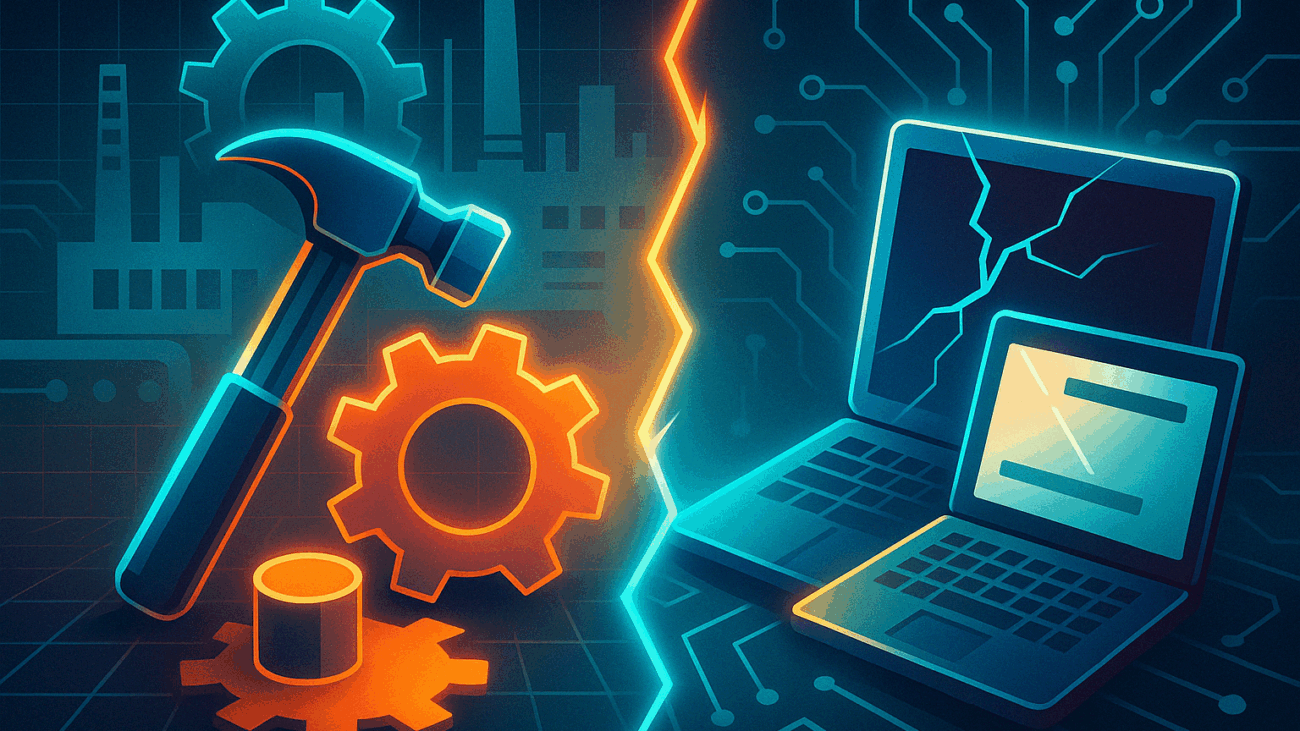
Blog Header Image 2 - Factory Logic Why Older Adults Worry About Breaking Tech

Factory Logic: Why Older Adults Worry About “Breaking” Technology — And How We Can Teach Differently

“What if I click the wrong thing and break it?”

Among older adults learning to use technology, this question is common. It arises not from resistance to learning, but from a memory of environments where mistakes were costly, public, and difficult to undo.

To understand this fear is to understand something essential about how older adults approach unfamiliar systems — and how teaching technology is often less about the device in hand and more about the world a learner comes from.

Systems That Could Not Afford Mistakes

Many older adults entered their working lives in settings shaped by what might be called factory logic — a way of operating that prizes stability, precision, and the seamless function of a system.

In these environments — factory floors, production lines, bookkeeping desks — a single error could slow or stop production. Tools were built for consistency and longevity, not for experimentation. Machines were not meant to change shape beneath their hands. Tools did not update overnight. Systems were stable — or they failed.

Technology, by contrast, often feels unpredictable. Its processes are invisible, the consequences of error are unclear, and where the usual cues of craftsmanship and reliability are harder to find.

A 2019 systematic review in Gerontechnology identified fear of making mistakes as one of the most persistent barriers older adults face in engaging with technology. This fear was not about a lack of curiosity but about uncertainty over what would happen next — whether a wrong move might lead to loss, to damage, or to embarrassment.

And beneath this caution lies another, quieter influence: how one views aging itself.

Research published in BMC Public Health suggests that older adults who carry negative perceptions of aging are more likely to experience anxiety when using new technologies, regardless of their skill level. To hesitate is not only to doubt the device — it is sometimes to doubt one’s own capacity to adapt.

This is not a technical problem. It is a human one.

Teaching With Systems in Mind

This way of viewing technology offers valuable lessons for instruction. When older adults hesitate, they are not failing to adapt. They are applying the caution that once protected them.

Older adults often want to understand why something works before they are willing to trust it. As research in Frontiers in Psychology notes, confidence in using technology among older adults increases not simply with exposure, but with clarity — with opportunities to build understanding, not just memorize steps.

A study on older adults’ use of health technology found that older learners often seek to understand how a system works before they feel comfortable engaging with it. Trust, in these cases, is built not through repetition alone, but through understanding.

1. Emphasize Reversibility
Most actions in digital environments are reversible — but this is not obvious to those accustomed to tools built for precision rather than flexibility. Instruction should begin with clear demonstrations of undo functions, reset options, and the ability to recover from errors. Speak openly about the ways digital environments forgive mistakes — often far more easily than the mechanical systems learners knew before.

2. Use Familiar Systems as Metaphors
Analogy is one of the most effective tools available to instructors. Folders behave like filing cabinets. Password managers function as lockboxes. The cloud is best introduced not as an abstract concept but as something closer to a bank vault or a storage facility — remote, but accessible by key. These metaphors allow older learners to place new skills within familiar structures.

3. Teach Systems, Not Just Steps
A list of instructions may produce temporary results; understanding produces confidence. Older adults are rarely unwilling to learn; rather, they are unwilling to operate blind. Older adults often want to know why a process exists before they feel at ease using it. Explaining the logic behind digital processes builds trust and fosters independent learning. Teaching the architecture of technology — its logic, its structure, its safeguards — restores a sense of orientation.

4. Create Safe Environments for Exploration
Wherever possible, practice spaces should allow mistakes without consequence. Dummy accounts, unused devices, or offline practice sheets give learners the chance to try freely, to explore without fear of immediate failure.

Encouraging exploration, while remaining available for guidance, transforms anxiety into curiosity.

Every Hesitation Tells a Story

Older adults bring to technology not only their caution, but their mastery of systems, their care for precision, and their memory of tools that could not afford to fail.

When teaching digital skills, it is easy to focus on what learners do not yet know.

More useful, perhaps, is to ask what they already understand — and what world taught them to understand it that way.

Every hesitation carries history. Every careful question reveals not only uncertainty, but wisdom.

And every good teacher learns to listen for both.